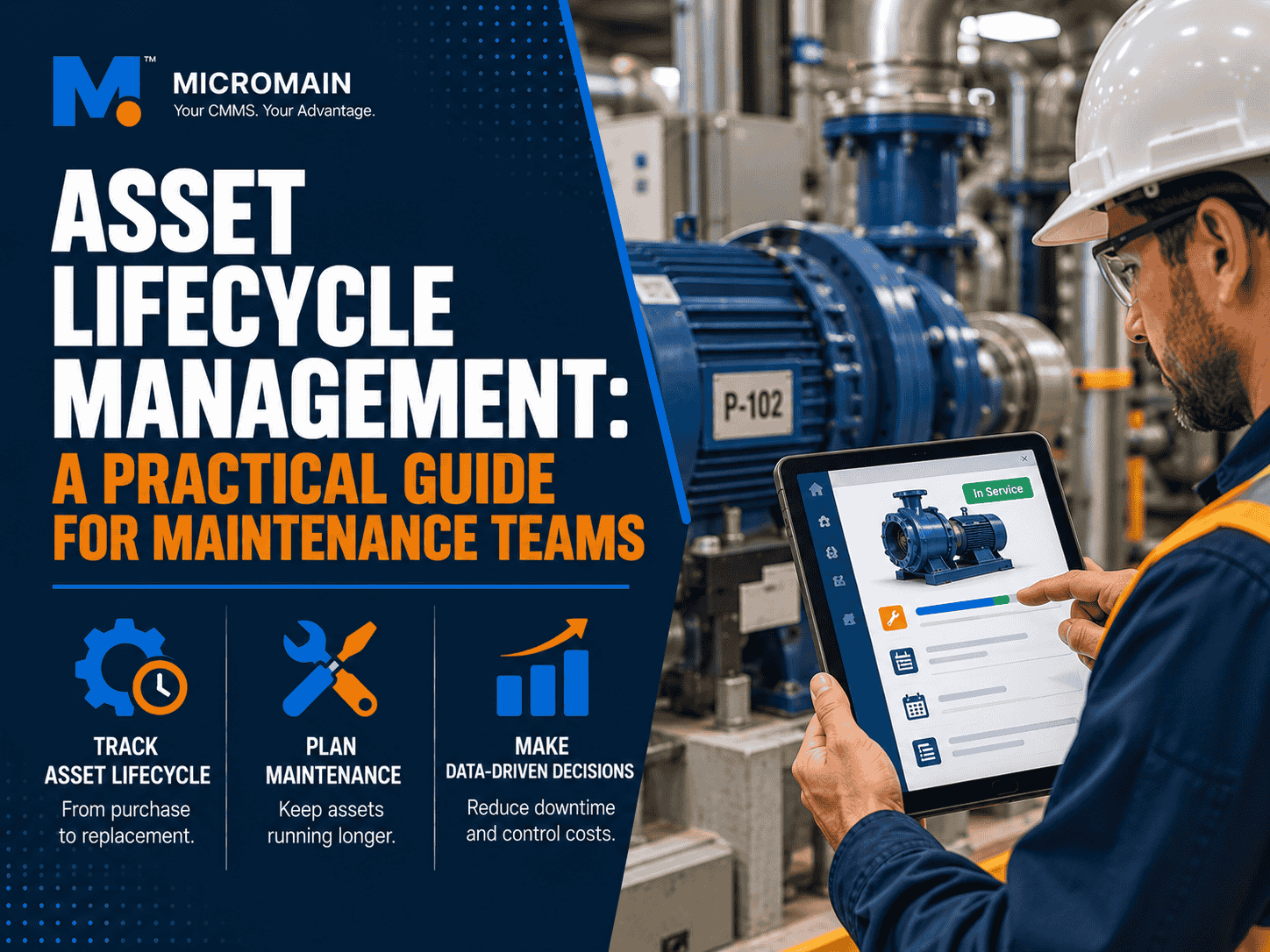
Asset Lifecycle Management: A Practical Guide for Maintenance Teams
Asset lifecycle management is the practice of managing a physical asset from the day you plan to buy it to the day you retire it. That covers acquisition, installation, daily operation, maintenance, and disposal, with one goal: get the most value from the asset at the lowest total cost over its life.
Most maintenance teams manage the middle of that story well. They fix what breaks and run the PMs. However, the expensive decisions usually sit at the edges: what to buy, when to stop repairing, and what to replace first. Those calls get easier when every asset has a clean record of what it has cost and how it has behaved.
In This Guide
What Is Asset Lifecycle Management?
Asset lifecycle management (ALM) treats every pump, HVAC unit, forklift, or production line as something with a beginning, a working life, and an end. At each stage, the team makes decisions that affect cost, reliability, and safety. ALM is the habit of making those decisions with data instead of habit or gut feel.
It also sits inside the wider field of enterprise asset management. The international standard for the field is the ISO 55000 family, which describes how organizations should realize value from their assets. In practice, you do not need certification to benefit from the idea. A single well-kept record per asset gets you most of the way there.
How it differs from related terms
| Term | What it covers |
|---|---|
| Asset lifecycle management | One asset’s full life: planning, purchase, use, maintenance, and disposal. |
| Asset management (EAM) | The broader strategy and software for managing all assets across an organization. See our guide to EAM software. |
| Maintenance management | Keeping assets working through PMs, repairs, and work orders. It is one stage of the lifecycle, not all of it. |
| Asset hierarchy | The structure that shows how sites, systems, assets, and components relate. Our asset hierarchy guide covers setup. |
The 5 Stages of the Asset Lifecycle
Different industries name the stages differently, but the asset management lifecycle phases follow the same path. Here is the version most maintenance teams can put to work.
| Stage | What happens | What to record |
|---|---|---|
| 1. Plan | Define the need, compare options, estimate lifetime cost, and budget. | Business case, expected life, estimated running cost. |
| 2. Acquire and commission | Buy, install, test, and hand over to operations. | Purchase cost, serial number, warranty, manuals, commissioning checks. |
| 3. Operate | Run the asset for its intended purpose. | Meter readings, runtime, operating conditions, operator notes. |
| 4. Maintain | Inspect, service, repair, and calibrate to keep it reliable. | PMs, work orders, labor, parts, downtime, failure causes. |
| 5. Renew or dispose | Rebuild, replace, sell, or retire the asset safely. | Replacement analysis, disposal method, final cost summary. |
Stage 1: Plan
Planning is where lifecycle thinking pays off fastest. Before buying, ask what the asset will cost to run and maintain, not just to purchase. Pull data from similar equipment you already own: how often it failed, what parts it used, and how long it lasted. If you have no data, that is the first gap to fix.
Stage 2: Acquire and commission
Create the asset record the day the equipment arrives. Capture the model, serial number, install date, location, warranty terms, and manuals. Then place it correctly in your hierarchy and attach its first PM schedule before it goes live. Records built later from memory are always thinner.
Stage 3: Operate
How an asset runs affects how long it lasts. Log meter readings such as hours, miles, or cycles, and use them to trigger maintenance. Our post on meter-based maintenance shows how to do this in practice. Operator observations matter here too, because the person running a machine usually notices a change before any sensor does.
Stage 4: Maintain
This is the longest stage and where most CMMS data is created. A good preventive program, tracked for compliance, slows wear and catches problems early. Every work order should record the asset, the problem, the fix, the labor, the parts, and the downtime. That is the raw material for every lifecycle decision that follows.
Stage 5: Renew or dispose
Eventually the asset reaches the point where repairing it no longer makes sense. The decision is easier when the record shows its total cost to date. Dispose of it safely, following any environmental or regulatory rules for your industry, and keep the final cost summary. It becomes the benchmark for the next purchase.
Lifecycle Cost vs Purchase Price
The purchase price is the part everyone sees. However, it is rarely the biggest part of what an asset costs. Total cost of ownership (TCO) adds up everything spent from planning to disposal:
- Purchase, delivery, and installation
- Energy and consumables during operation
- Planned maintenance labor and parts
- Repairs and emergency call-outs
- Downtime and lost production
- Training and compliance costs
- Disposal, decommissioning, or resale value
For example, two machines with the same sticker price can end up with very different lifetime costs. One that is cheap to buy but hard to service and prone to failure can cost far more than a pricier, more reliable model. This is the reason a CMMS ROI calculation should always include downtime and repair history, not just software cost.
Repair, Refurbish, or Replace?
The hardest lifecycle decision is when to stop repairing an asset. Use a simple scorecard instead of waiting for the next breakdown to force the issue.
| Signal in your CMMS data | What it suggests |
|---|---|
| Repair costs are climbing year over year | The asset is entering wear-out. Run a replacement review. |
| Failures are getting more frequent | Check mean time between failures. A falling trend is a warning. |
| Downtime is hitting production or service | Weigh the cost of lost output against replacement cost. |
| Parts are scarce or the manufacturer no longer supports it | Repair risk is rising. Plan a replacement before a failure forces one. |
| Energy use or safety risk has increased | A newer model may pay back faster than the numbers on repairs suggest. |
| Failures are rare and costs are flat | Keep maintaining it. Refurbishing may extend its life cheaply. |
For a longer look at this topic, see Asset Repair or Replace and Finding and Understanding the Useful Life of an Asset.
Asset Lifecycle Management Best Practices
- Create the record at acquisition. Add the asset before it goes into service, with warranty, manuals, and location.
- Use unique asset IDs. Label equipment with a barcode or QR code so technicians open the right record every time.
- Build a clean hierarchy. Costs and failures only roll up correctly when assets sit in the right place.
- Rank assets by criticality. Spend planning effort where a failure hurts most.
- Close work orders with detail. Failure cause, labor, parts, and downtime are the data you will need in year five.
- Review cost and failure trends each year. Build a short replacement watch list and feed it into the budget.
- Keep the data clean. Duplicates and vague entries ruin analysis. Our post on CMMS data quality explains how to fix them.
- Document disposal. Record how and when each asset was retired, and what it cost over its life.
How a CMMS Supports Asset Lifecycle Management
Spreadsheets can hold an asset list, but they struggle to connect that list to work orders, parts, labor, and PM history. A CMMS keeps all of that together, so each asset has a living record from the day it is added. Teams searching for asset lifecycle management software are usually looking for exactly that: one place where history, cost, and schedule meet.
What to record for every asset
- Make, model, serial number, install date, and location
- Warranty terms and expiry date
- Manuals, drawings, and inspection documents
- Every work order, with labor, parts, and downtime
- PM schedule and completion history
- Meter readings and condition notes
What to measure
| Metric | What it tells you |
|---|---|
| Maintenance cost per asset | Which assets cost the most to keep running. |
| Repair cost vs replacement cost | When a replacement review should start. |
| Failure frequency and MTBF | Whether reliability is improving or declining. |
| Downtime hours | The operational impact of each asset’s problems. |
| PM compliance | Whether planned work is actually getting done. |
| Asset age vs expected life | Which assets are approaching end of life. |
For a wider view of the numbers worth tracking, see our guide to 12 maintenance KPIs. MicroMain brings asset records, work orders, preventive maintenance scheduling, parts inventory, QR and barcode tracking, and reporting into one system, so lifecycle history builds up as your team does its normal daily work.
Common Mistakes to Avoid
- Buying on price alone. The cheapest option often has the highest lifetime cost.
- Adding assets late. Records created months after install are missing the early history.
- Incomplete work orders. “Fixed it” tells you nothing about cost or cause.
- Replacing only after failure. Unplanned replacements cost more and disrupt the schedule.
- Ignoring disposal. Skipping the final record leaves no benchmark for the next purchase.
See Every Asset’s Full History in One Place
MicroMain helps maintenance teams track assets, work orders, PMs, parts, and costs across the full lifecycle. Try it with your own equipment and see what your data says.
Frequently Asked Questions
Lifecycle Basics
What is asset lifecycle management?
Asset lifecycle management is the practice of managing a physical asset from planning and purchase through operation, maintenance, and final disposal. The goal is to get the most value from the asset at the lowest total cost over its whole life.
What are the stages of the asset lifecycle?
The five common stages are plan, acquire and commission, operate, maintain, and renew or dispose. Some organizations split them differently, but every version covers the same ground: buying the asset, using it, keeping it running, and retiring it.
What is the difference between asset lifecycle management and asset management?
Asset management is the broad discipline of getting value from assets. Asset lifecycle management is the part that follows a single asset through time, from the first purchase decision to disposal, and tracks its cost and condition at each stage.
Repair, Replace, and Cost
How do you know when to repair or replace an asset?
Compare the cumulative cost of repairs, the rising frequency of failures, downtime cost, energy use, and parts availability against the cost of a replacement. A common rule of thumb is to start a replacement review when repair costs approach half the replacement cost, but your own CMMS history should drive the final call.
What is total cost of ownership for an asset?
Total cost of ownership is everything an asset costs over its life, not just the purchase price. It includes installation, energy, labor, parts, planned maintenance, repairs, downtime, training, and disposal.
CMMS and Metrics
How does a CMMS support asset lifecycle management?
A CMMS keeps one record per asset with its work order history, PM schedule, parts used, labor hours, costs, warranty details, and documents. That history gives teams the evidence to plan maintenance, justify budgets, and decide when to replace equipment.
Is asset lifecycle management the same as EAM?
Not exactly. Enterprise asset management (EAM) is the broader software and strategy for managing assets across an organization. Asset lifecycle management is one of the things an EAM or CMMS helps you do, with a focus on each asset’s full life.
What metrics should I track for asset lifecycle management?
Start with maintenance cost per asset, repair cost versus replacement cost, failure frequency, mean time between failures, downtime hours, PM compliance, and asset age. Together they show which assets are healthy and which are costing more than they are worth.